App User Guide
Literacy Tree App: User Guide (2026 Refresh)
Welcome to the Literacy Tree App!
The Literacy Tree app is your free companion to Literacy Tree’s book-based curriculum. Designed by teachers for teachers, it supports work-life balance and reduces cognitive load, making planning, assessment, and moderation faster and easier. It’s available to all users with a Free, Individual, or School Membership.
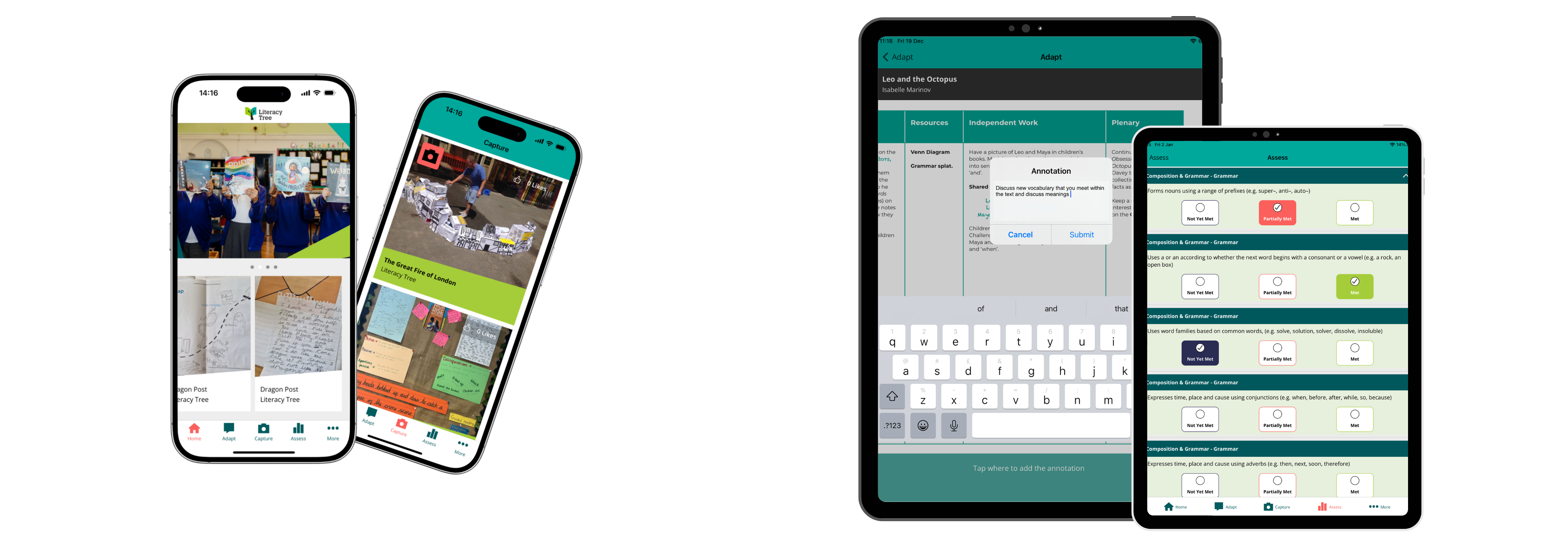
Key updates in 2026
- Full integration with the new Literacy Tree web platform
- Smoother, more intuitive user experience
- Cleaner, streamlined design
- Seamless Wonde integration for automatic syncing of pupil and class data
Getting started
Download the app: Available for free on your device’s app store.


Sign in: Use your Literacy Tree account credentials.
Membership check: Features such as RATE assessment require an Individual or School Membership.
Device recommendation: For GDPR compliance and data protection, install and use the app on school-approved devices.
Sync with Wonde: Ensure your school’s Wonde account is connected to access up-to-date pupil data automatically.
Features Overview
1. Adapt Plans
-
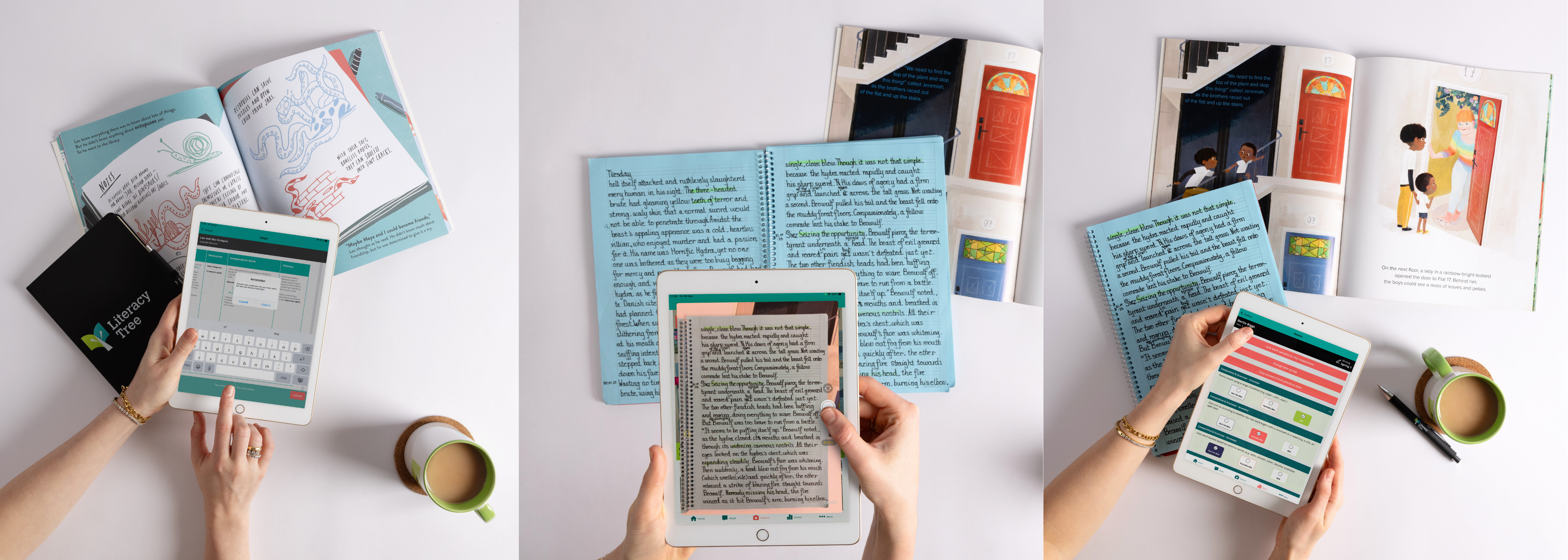
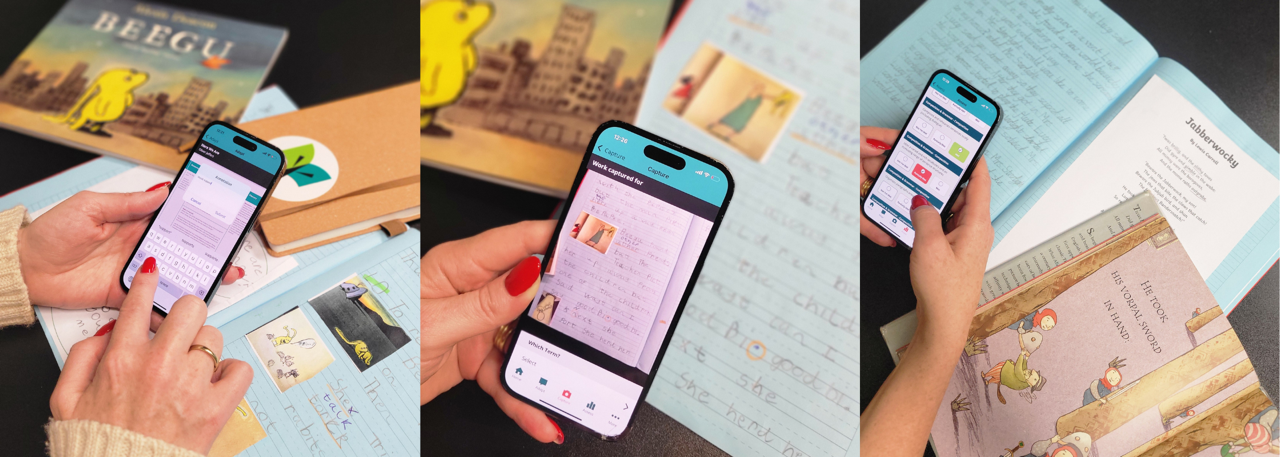
Edit anywhere: Add annotation bubbles to any Literacy Tree plan in your account to personalise for your class.
-
Autosave: All edits are automatically saved and immediately reflected on your account.
-
Access all resources: Navigate to the Literacy Tree site to add resources; they’ll appear instantly in your app for annotation.
2. Capture Pupils’ Work
-
Take photos: Capture children’s work directly on your device.
-
Tagging: Link each work sample to pupils, books, and RATE assessment objectives.
-
Save & share: Work samples can be saved locally or uploaded to Literacy Tree’s “Work Samples” library. Wonde integration automatically populates pupil names and class details.
-
Home Page gallery: Browse curated examples of the best Work Samples straight from the app.
3. Assess Pupils Using RATE
-
Create class lists: Manage pupils, year groups, and classes in-app; class lists sync automatically from Wonde.
-
Select standards: For Writing and Reading, choose “Met,” “Partially Met,” or “Not Yet Met” for each assessment point.
-
Automatic calculation: The app calculates overall Writing or Reading standard (Emerging, Developing, Securing, and Depth).
-
Autosave & revisit: Return to assessments anytime; progress is automatically saved.
-
Link work samples: Attach evidence to standards for moderation or review.
-
Web sync: Assessments can be viewed and edited on the Literacy Tree website. RATE assessments require an Individual or School Membership.
Additional Features & Benefits
Seamless Wonde integration: Pupil names and class details are automatically synced. No manual updates needed.
Step 1: Confirm Wonde Administrator
- Only a Wonde Administrator (typically School Business Manager, Head/Deputy Head, or IT lead) can approve the integration.
Step 2: Log in to Wonde
- Go to https://edu.wonde.com/login
- Use your Wonde credentials to access the school portal
Step 3: Approve Literacy Tree App
- Find Literacy Tree in the list of available apps
- Click “Approve” to enable syncing with your school MIS
Step 4: Verify Data
- Ensure class lists and pupil names are correct
- Check that attendance and year groups match your MIS
Accurate, up-to-date pupil data: Always have the latest information at your fingertips.
Time-saving administration: Free up your time with reduced paperwork.
Streamlined planning and assessment: Annotated plans, captured work, and RATE assessments are all connected across devices, synced via Wonde, and accessible on the Literacy Tree web platform.
Tips for Best Use
- Ensure your device is school-approved to stay GDPR compliant.
- Explore the Home Page to see exemplary Work Samples.
- Regularly sync your app with the Literacy Tree website and Wonde to access all resources, class updates, and student data.
- Use annotations, captured work, and assessments to link evidence to standards without double-entry.
Support & Resources
- To attend our next Intro to the App training session, see our training page.
- Contact our support team via info@literacytree.com if you have any questions.