Written by:

Anthony Legon
Co-CEO & Co-Founder
We know that assessing children’s attainment in English can feel like an overwhelming task for teachers and subject leaders. English is not a subject where knowledge can be neatly measured through a test result; it requires a holistic view of what a child can demonstrate consistently over time in their day-to-day learning.
Our RATE (Reporting and Assessment Tool for English) resources are designed to make the assessment of English more manageable, while supporting teachers and leaders to make accurate, informed judgements aligned with the English programme of study.
RATE resources at a glance
To support the assessment of English, we have created RATE resources for both Reading and Writing. These set out clear assessment statements aligned with curriculum objectives for each year group and allow teachers to judge how securely a child is meeting each objective.
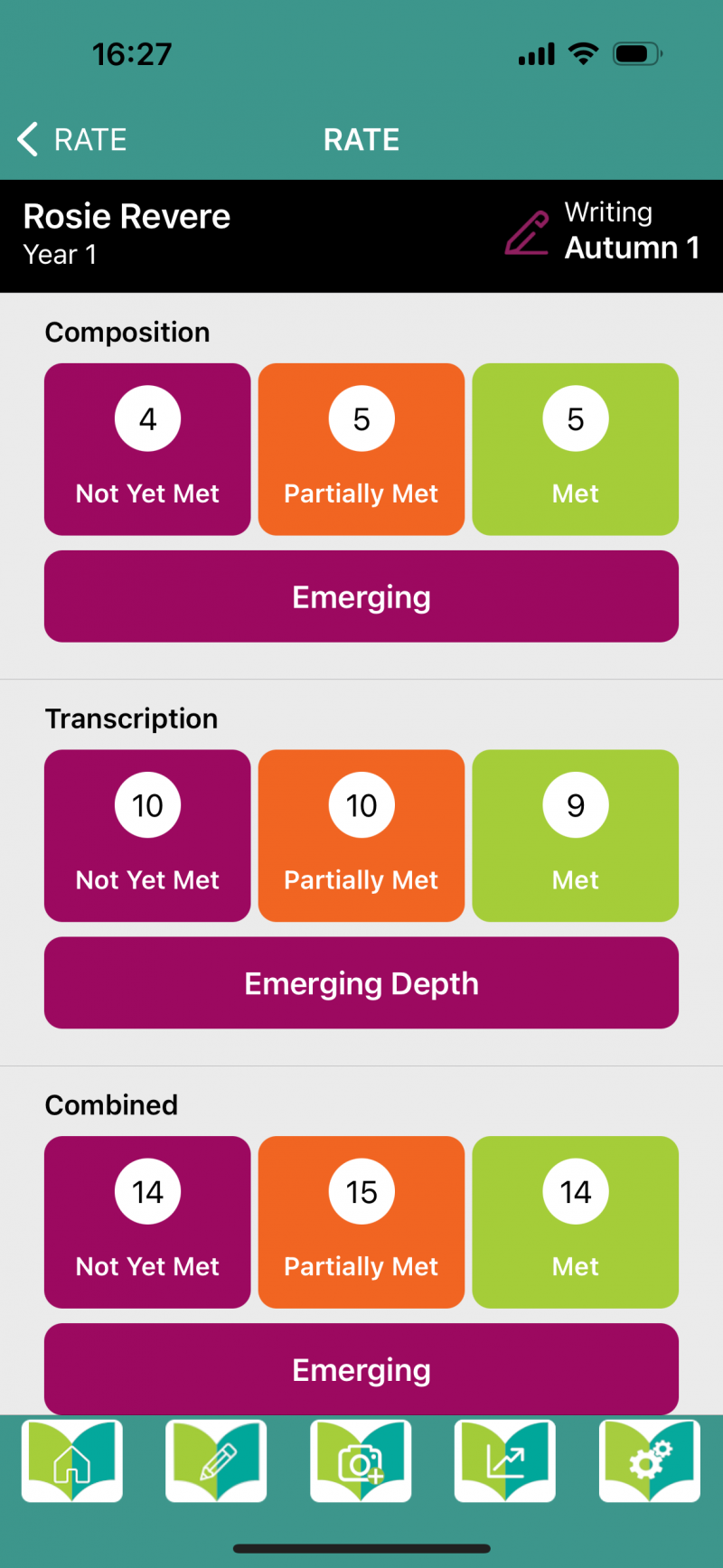
Once these judgements are entered electronically, an overall assessment judgement is calculated, which can then inform the teacher’s final assessment for that child.
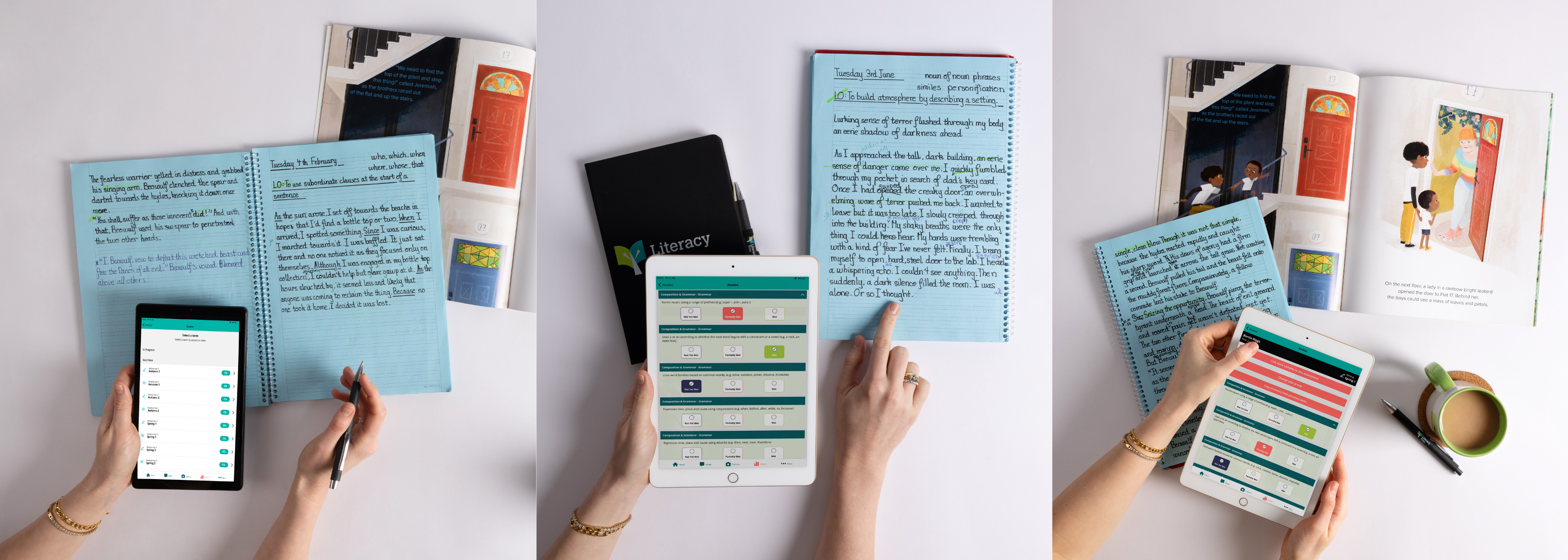
When accessed via the Literacy Tree App, RATE assessments benefit from automatic Wonde syncing, ensuring pupil and class data is always current and reducing administrative workload.
How to use RATE on the Literacy Tree App
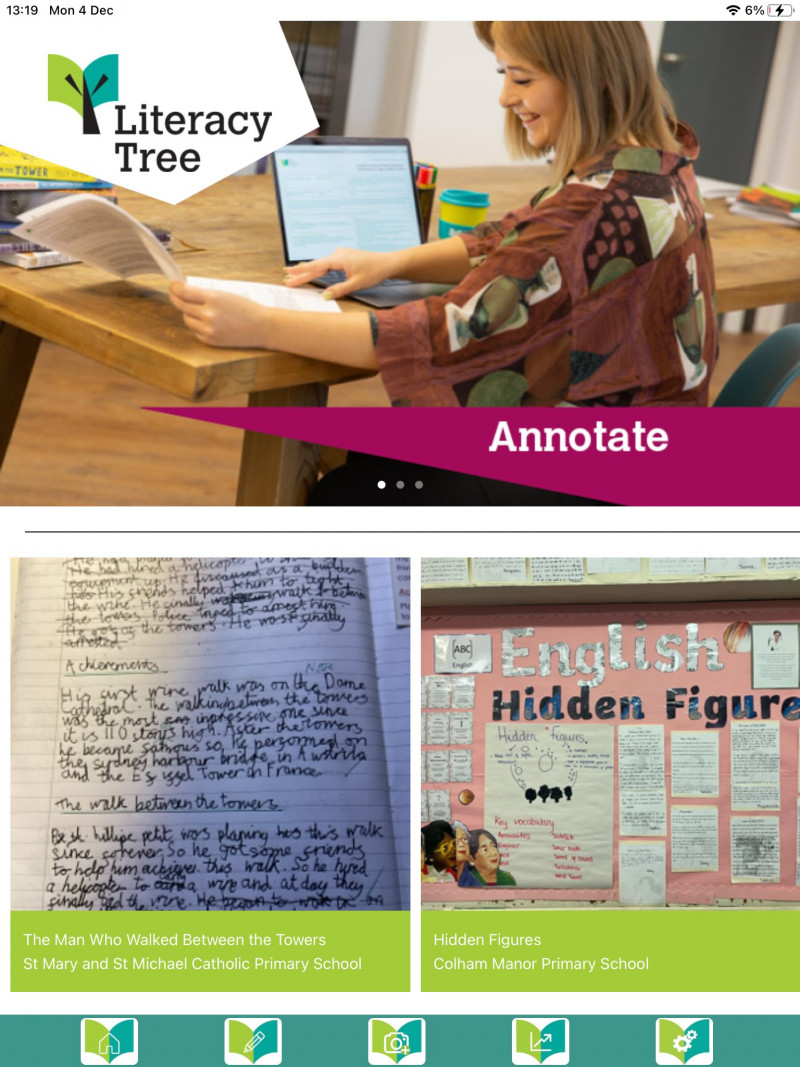
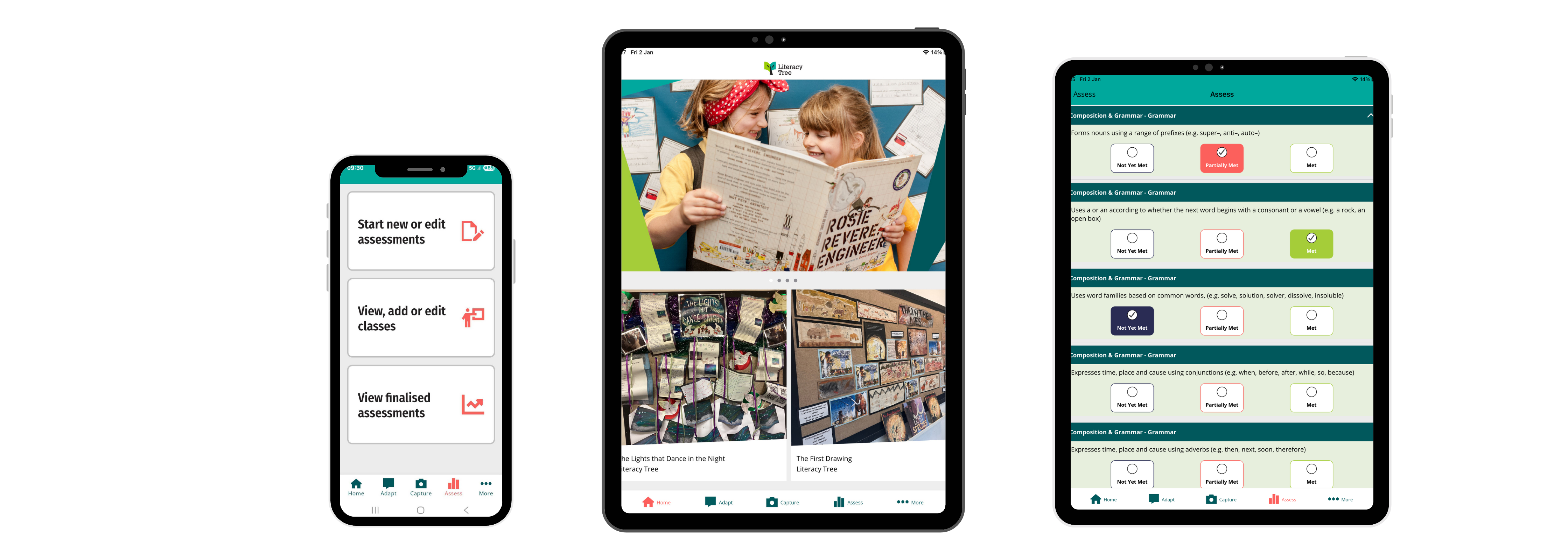
RATE can be accessed via the Literacy Tree App by clicking on the line graph icon. From here, there are three options:
- View, add or edit classes
- Start new or edit assessments
- View finalised assessments
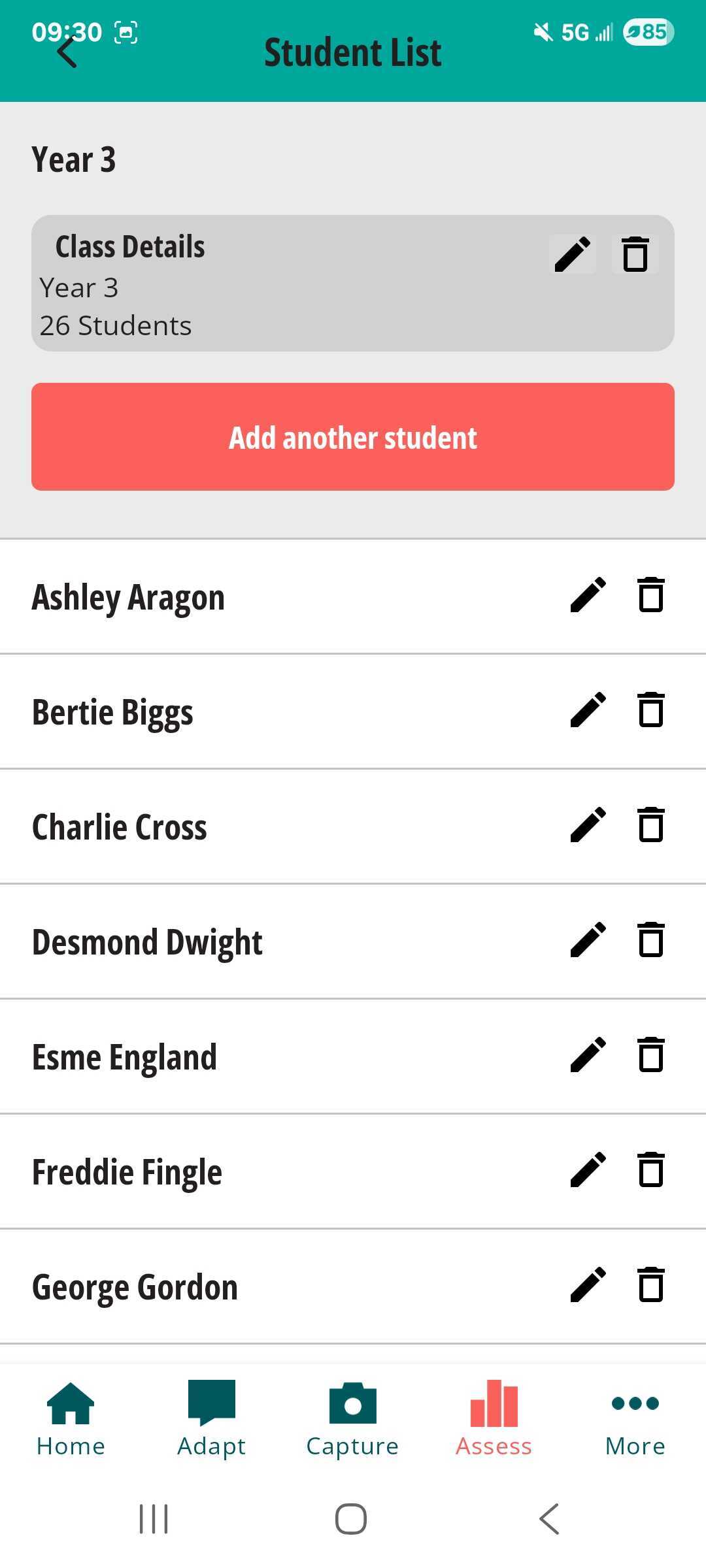
View, add or edit classesClicking on this tab allows teachers and leaders to view classes automatically synced via Wonde, as well as add or edit named classes where required. Teachers can select year groups and allocate pupils to classes, with editing functionality available to update, amend or delete class details if needed. For mixed-age classes, it can be helpful to split the class by age group and add these as separate classes. Where Wonde integration is enabled, pupil names and class details will update automatically in line with your school MIS, ensuring accuracy without manual maintenance. |
 |
Automatic class and pupil setup with Wonde
To further streamline assessment, the Literacy Tree App integrates seamlessly with Wonde, allowing schools to automatically sync class and pupil data directly from their MIS.
Once approved by a school’s Wonde Administrator, class lists, year groups and pupil names are automatically populated within the app. This removes the need for manual setup and ensures RATE assessments are always based on accurate, up-to-date information.

Wonde integration supports teachers by:
- Reducing administration time and duplication
- Ensuring consistency across planning, assessment and moderation
- Allowing captured work to be accurately tagged to pupils, classes and RATE statements
- RATE assessments and linked evidence can be viewed and edited both in the app and on the Literacy Tree website, supporting collaborative moderation and ongoing review.
Start new or edit assessments
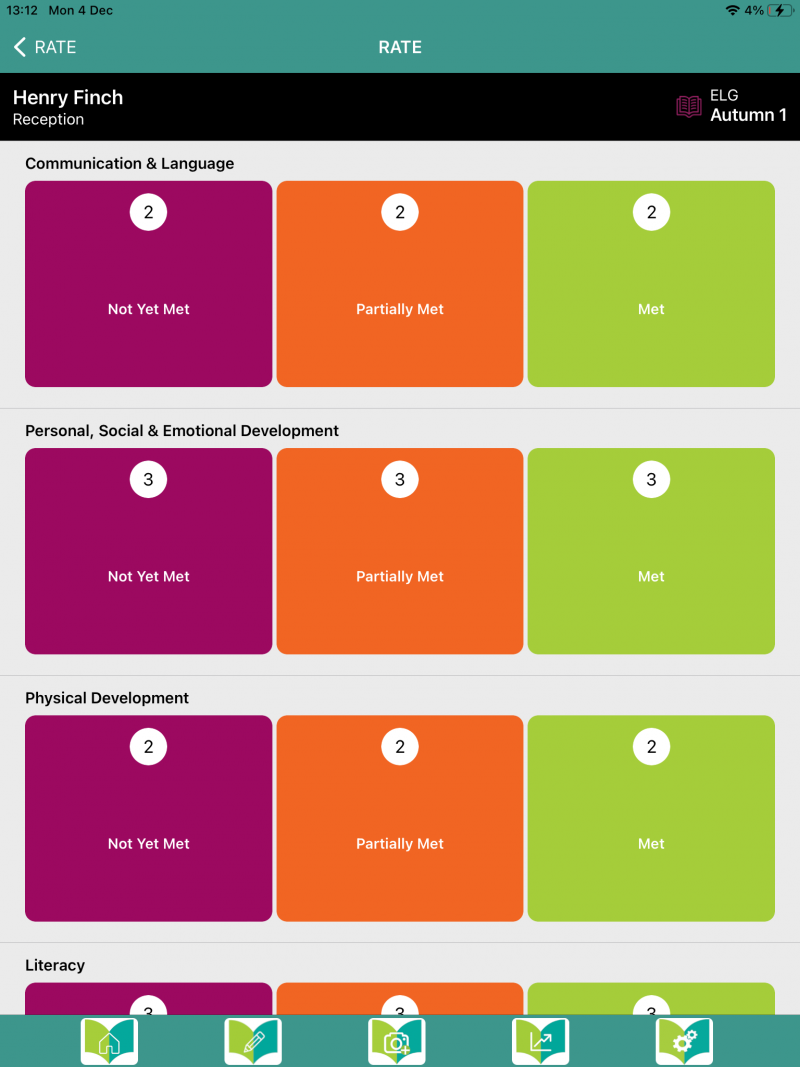
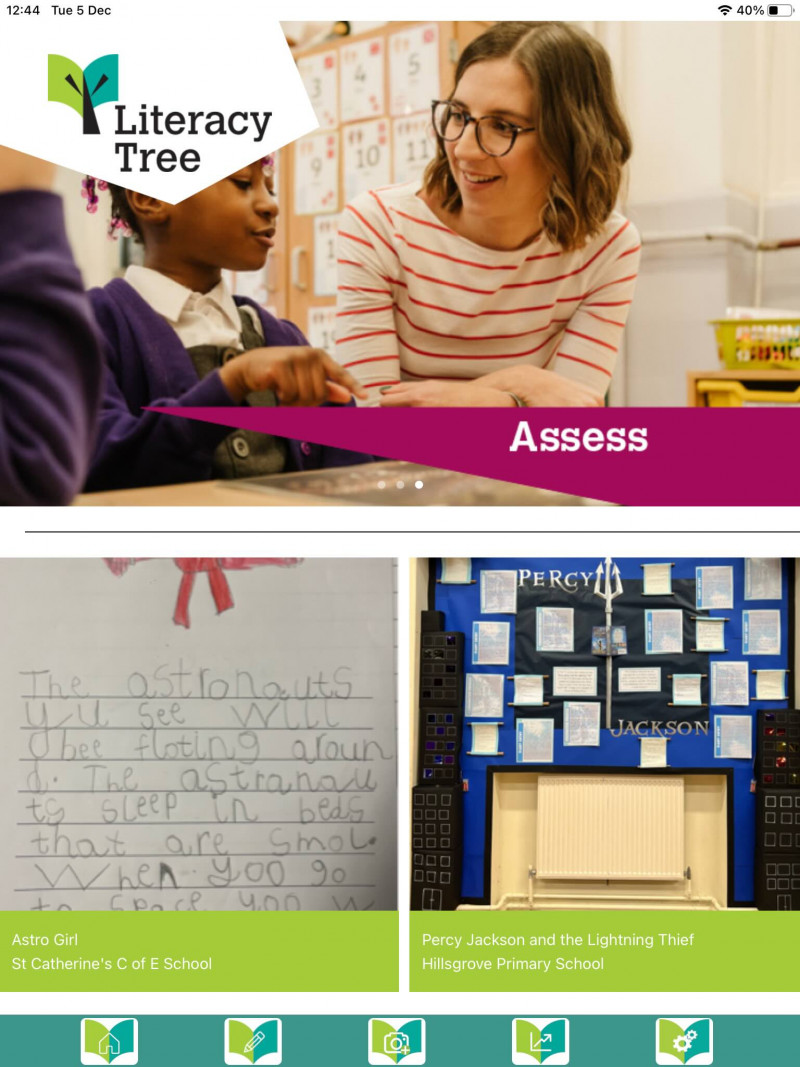
Once a class has been set up and pupils allocated, teachers are ready to begin assessing. Clicking on a class and selecting a child will give the option to assess Reading or Writing for a specific half term.
|
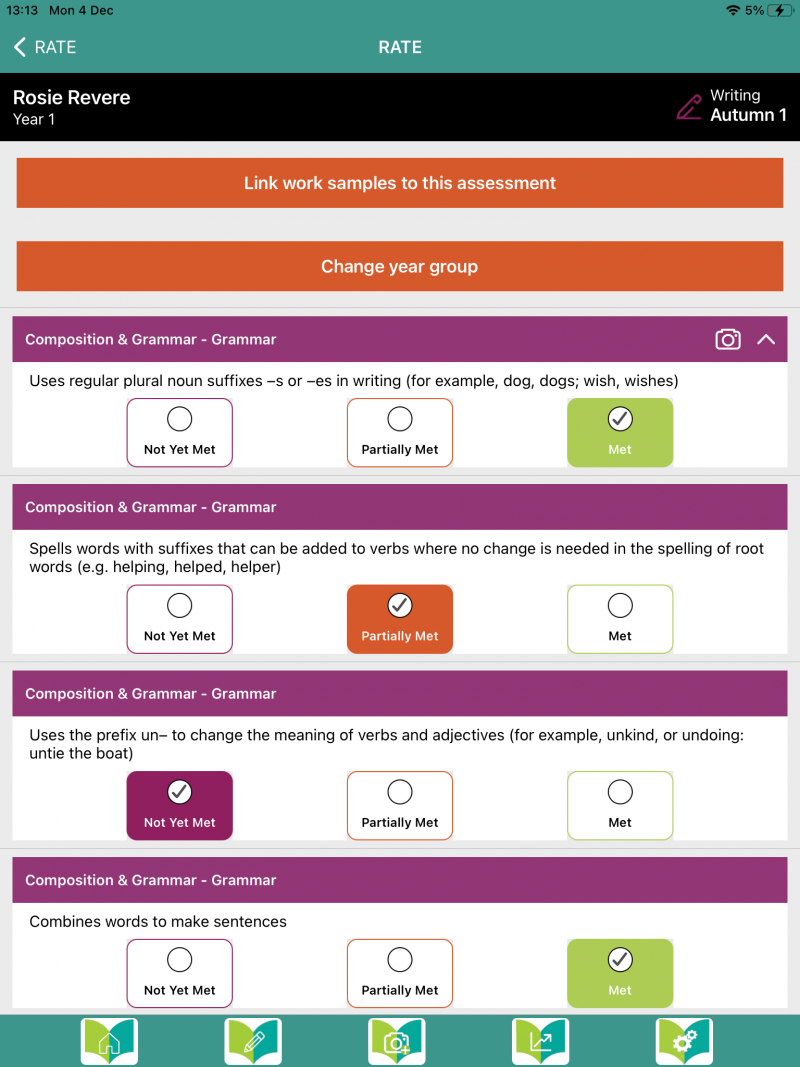
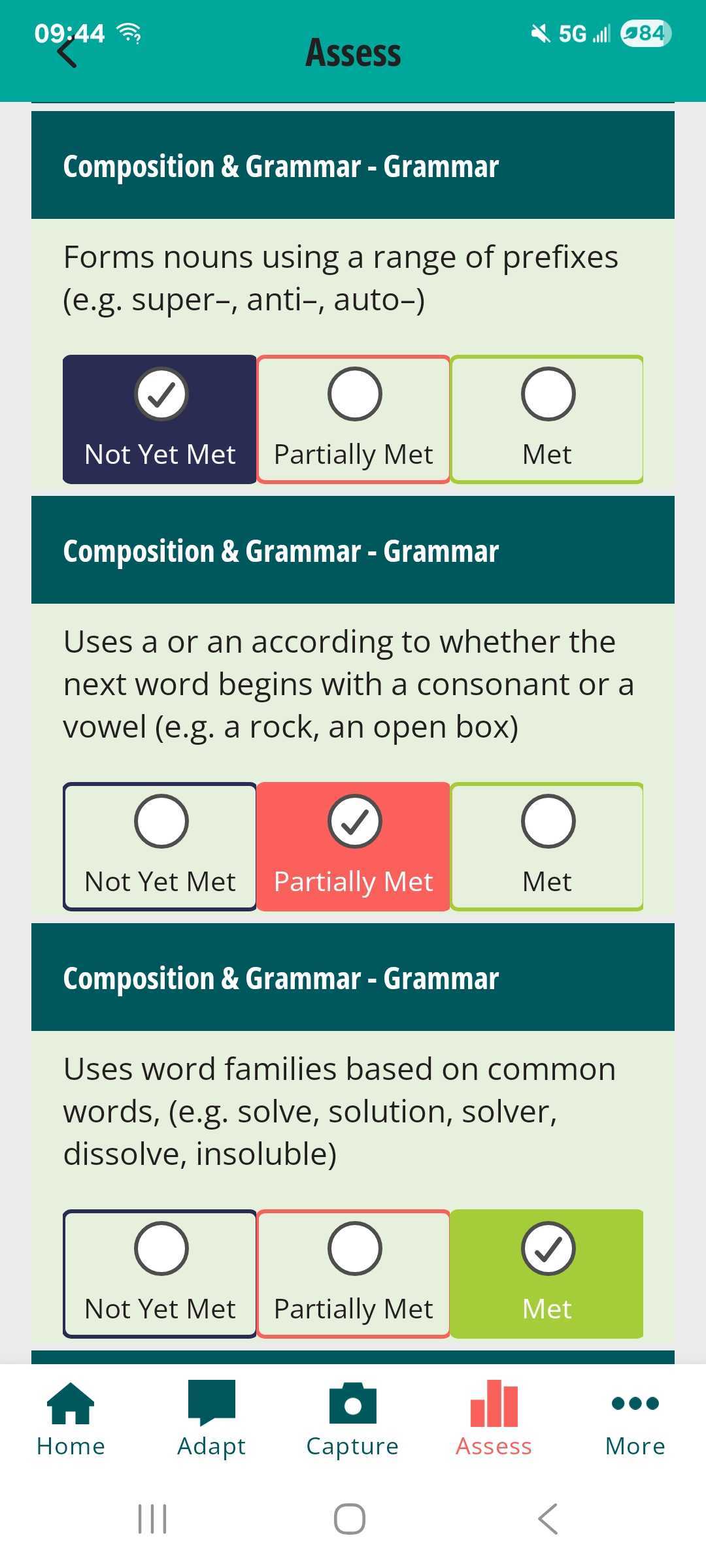
All Reading statements sit within the category of Reading Comprehension. Writing statements are organised into Composition and Grammar and Transcription. For each statement, teachers can select whether the objective has been:
Judgements should be informed by a range of evidence demonstrating both knowledge and application of each skill. Once all statements have been assessed, clicking ‘Finalise’ will generate an overall judgement of: Emerging, Developing, Secure, Depth. For Writing, separate judgements are calculated for Composition and Grammar and Transcription, alongside an overall Writing judgement. |
 |
Assessments can easily be revisited and edited at any time, which is particularly useful for moderation discussions or where a pupil demonstrates consistent progress after an initial assessment.
Depth
RATE resources for both Reading and Writing include statements that align with the knowledge and skills a child working at Depth may demonstrate.
Assessing pupils against these statements supports accurate identification of those exceeding age-related expectations and ensures that assessment judgements capture a full picture of attainment.
Work capture
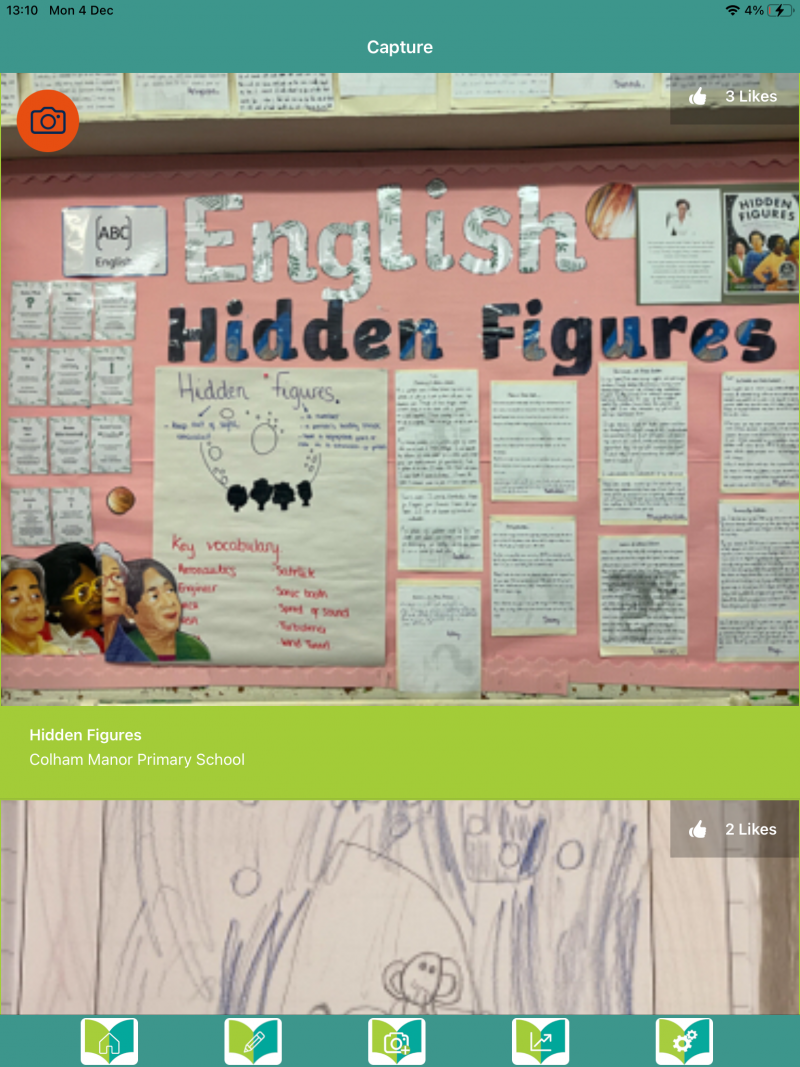
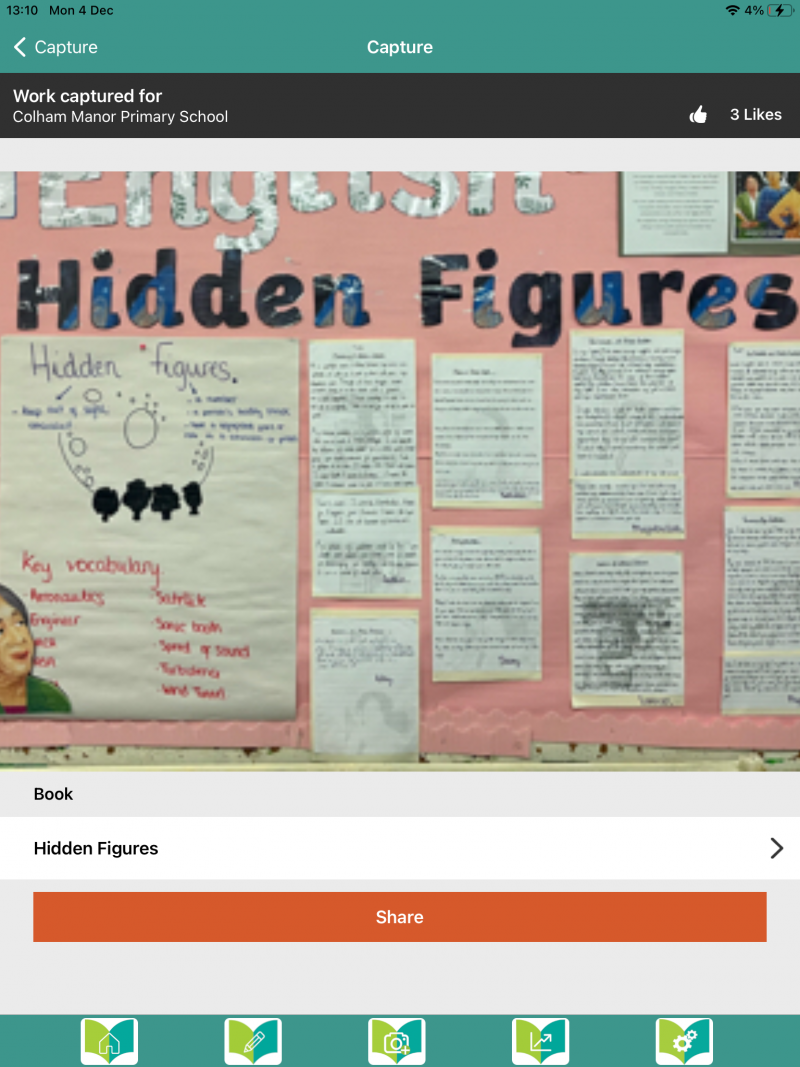
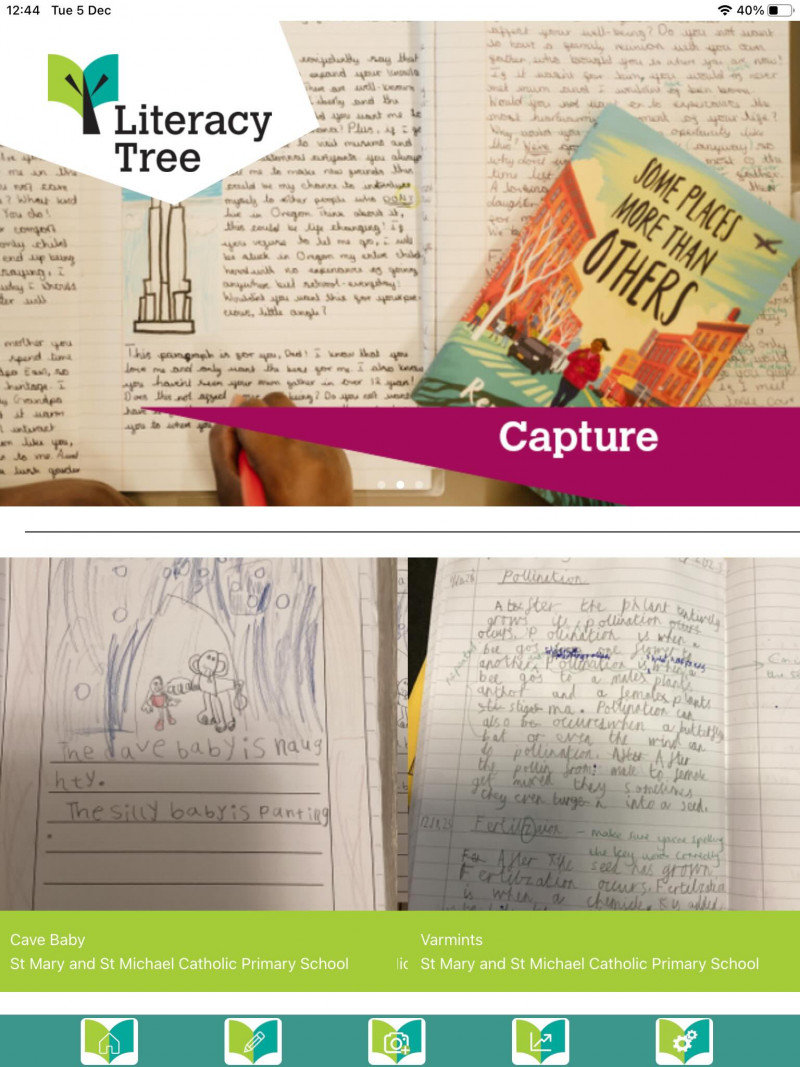
A valuable feature of the Literacy Tree App is the Capture tool. While many teachers use this to share work with the wider Literacy Tree community, it also plays an important role in supporting assessment and moderation.
|
By clicking the camera icon within the app, teachers can capture photographs of children’s work and tag them to:
|
 |
Additional assessment annotations can also be added. These work samples can then be linked directly to a child’s RATE assessment, providing clear evidence to support teacher judgements and moderation conversations.
View finalised assessments
Selecting this option allows teachers to view completed assessments for pupils. This includes:
- Overall Reading and Writing judgements
- Judgements for individual RATE statements
- This overview supports reflection, moderation, and ongoing assessment review.
Using our RATE spreadsheet resources
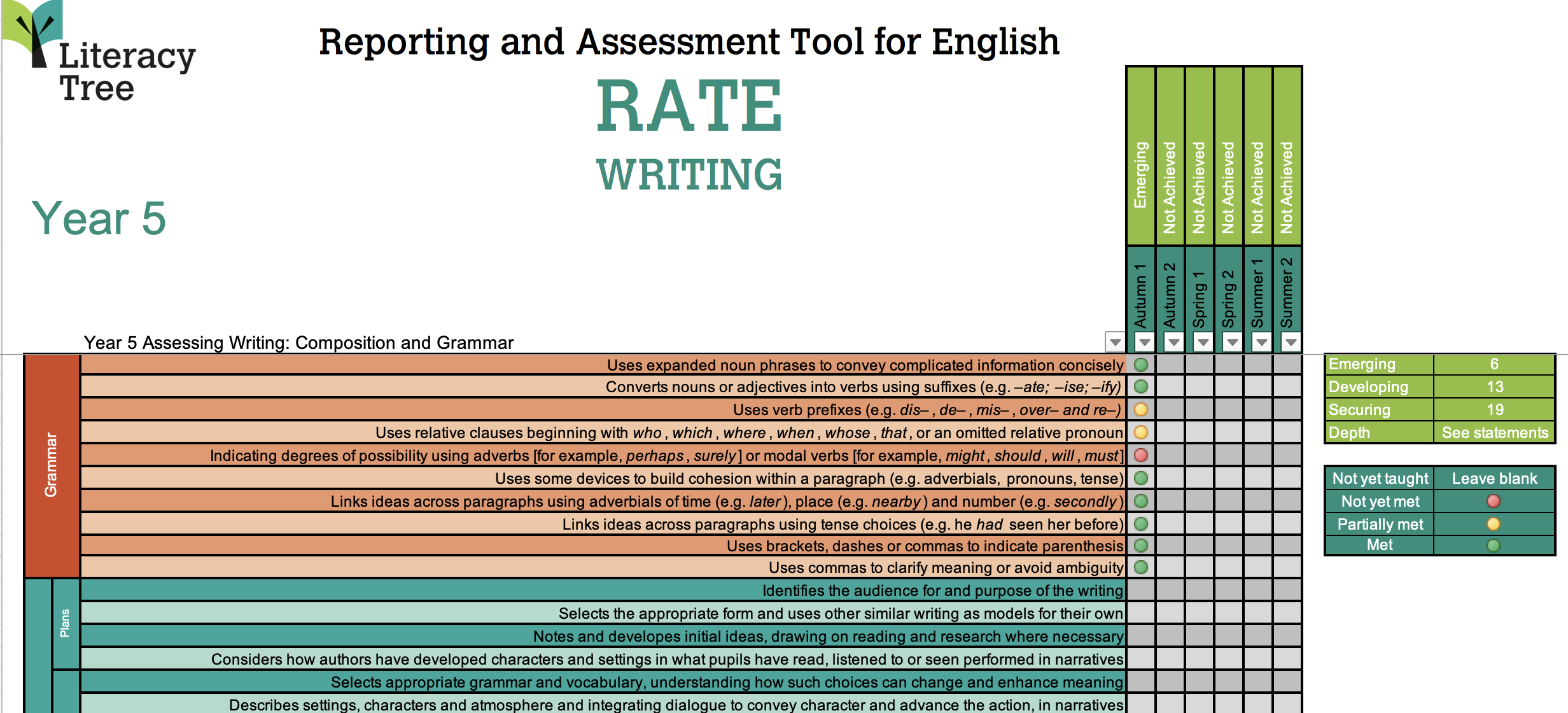
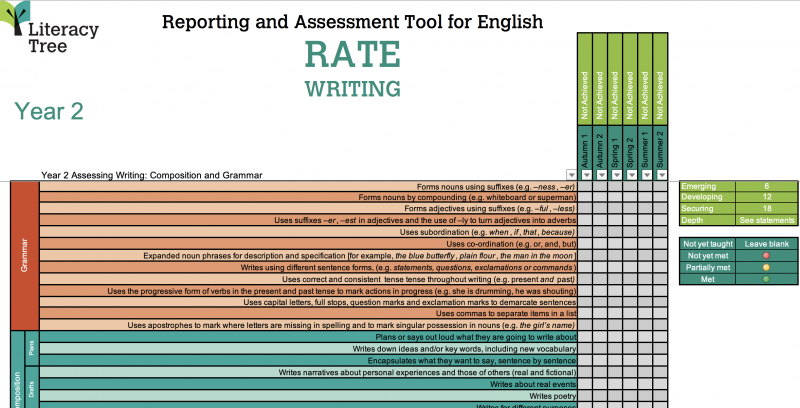
In addition to the app-based assessment tools, we also provide Microsoft Excel RATE spreadsheets, available to download from the Subject Leader Toolkit.
These resources work in a similar way, with teachers recording judgements for individual statements from which overall assessments are automatically calculated. Clear instructions for use are included on the first page of each spreadsheet.
Final thoughts
RATE resources are designed to support and inform teacher assessment, not replace professional judgement. As with any assessment tool, they should be used alongside teachers’ knowledge of the child and the English programme of study to ensure accurate and meaningful assessment outcomes.