Written by:

Team Literacy Tree
In this edition of our How to Use… series, we’re introducing the new and improved Literacy Tree App, the companion designed to make planning, and assessing reading and writing smoother, quicker, and more intuitive for teachers.
Why use the Literacy Tree App?
The Literacy Tree App is built by teachers for teachers. Its goal is simple: to reduce the mental load of managing plans, evidencing assessments, and tracking progress, all while keeping everything connected to the Literacy Tree curriculum. It’s also a place for celebration, allowing you to capture children’s work and share it with the wider Literacy Tree community. Think of it as your pocket assistant for literacy teaching, keeping everything you need at your fingertips!
For 2026, the app has had a refresh: it now offers a cleaner, more intuitive interface, full integration with the Literacy Tree website, and automatic syncing via Wonde so pupil and class information is always up-to-date.
.jpg) |
How it works
The app is designed around three core functions:
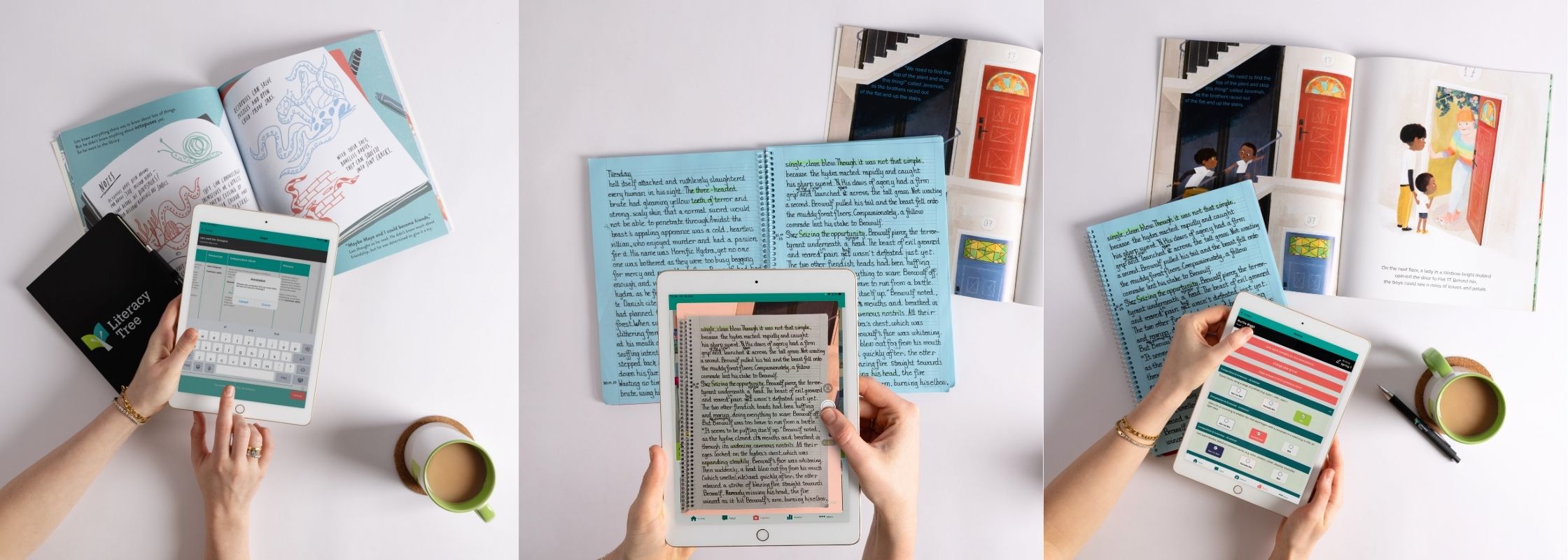
1. Annotate your plans
Every Literacy Tree plan you access can be personalised for your class. You can:
- Add notes and annotation bubbles directly in the app.
- Access resources you’ve added to your Literacy Tree account on the go.
- Rest easy knowing every change is autosaved and instantly reflected across your account.
- This means planning doesn’t have to wait until you’re at your desk.
2. Capture pupils’ work
Gone are the days of juggling books. The app lets you:
- Snap photos of children’s work on the spot.
- Tag each piece to pupils, books, and assessment objectives.
- Save work locally or upload to the Literacy Tree “Work Samples” library.
- Browse a gallery of exemplary work straight from the app.
- Thanks to Wonde integration, pupil names and class details are automatically populated, so manual entry is minimal and accuracy is maximised.
3. Assess with RATE
Our RATE (Recording and Assessment Tool for English) system is designed to help you track progress efficiently. The app allows you to:
- Manage classes, year groups, and pupils in-app, synced from Wonde.
- Record standards for Writing and Reading, with automatic calculations of overall achievement (Emerging, Developing, Securing, Depth).
- Link work samples to assessment points for moderation, review, or evidence-gathering.
Return to assessments anytime. They autosave, and web sync ensures they’re accessible across devices. - Just be aware that RATE assessments require an Individual or School Membership.
 |
Who benefits?
The app is built for teachers, school leaders, and anyone using Literacy Tree in the classroom. Small or large schools alike can save time and reduce paperwork, freeing teachers to focus on what matters most!
Tips for best use
For a detailed overview of how to get set up on the app and with the Wonde integration, we recommend you check out our user guide.
Also, make sure you’re using a school-approved device for GDPR compliance.
We really hope you enjoy getting stuck into this new tool that’s free with your Literacy Tree membership. Do let us know how you get on!